AI Lab provides AI-powered creative tools in Evoto Mobile. Access it from the editing toolbar to generate effects that go beyond traditional adjustments.
Relight
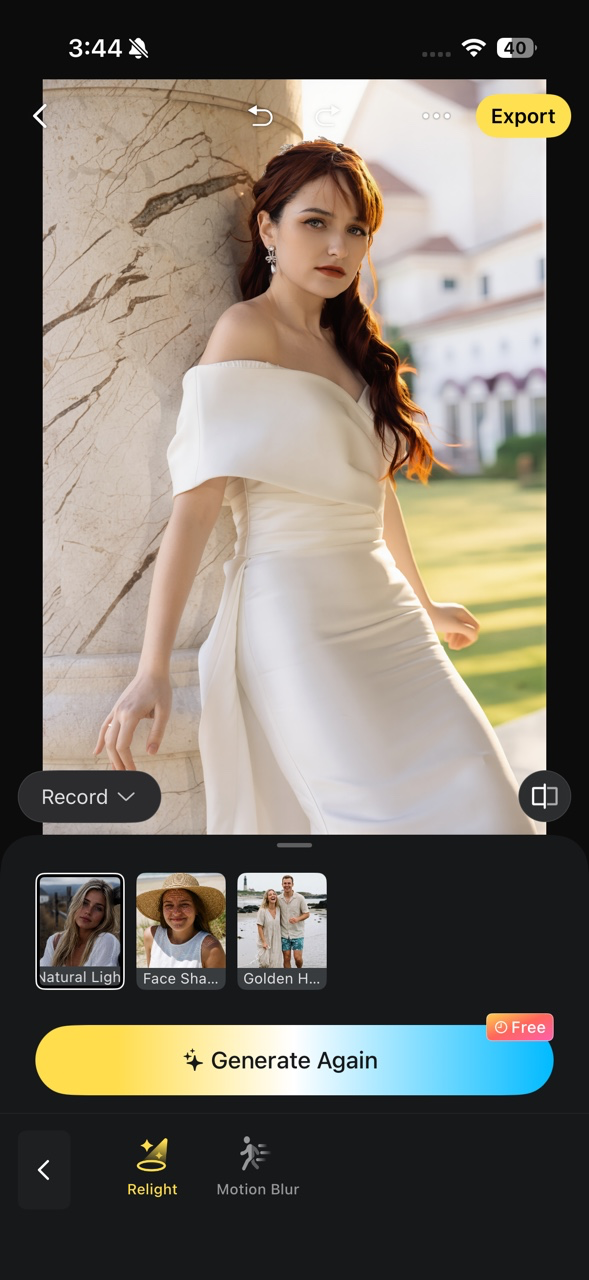
Rebuilds the lighting in a photo after it has been taken. Choose from three styles — Natural Light, Face Shadow Removal, and Golden Hour — to enhance portrait atmosphere without studio setups.
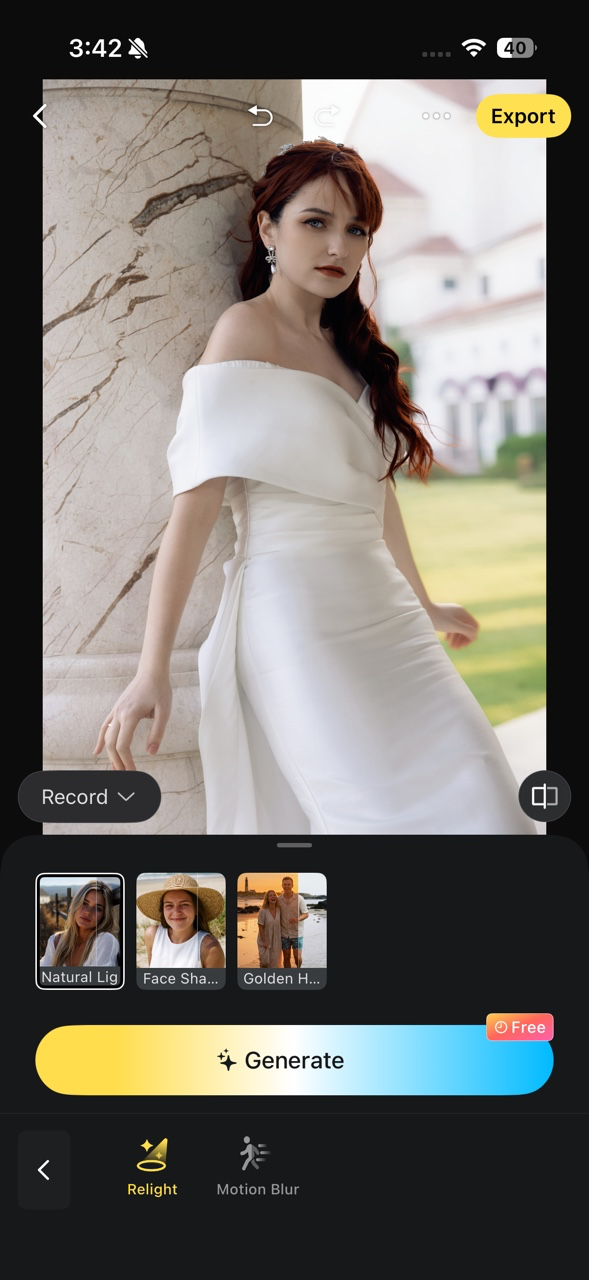
- Open a photo in the editing page.
- Go to AI Lab > Relight.
- Select a lighting style.
- Tap Generate to create the result.
- Review using compare mode, then continue editing or export.
Motion Blur
Simulates long-exposure motion effects on still photos. Use the Ghost Flow preset to create smooth crowd movement for city, travel, and street scenes — no real long-exposure shooting required.
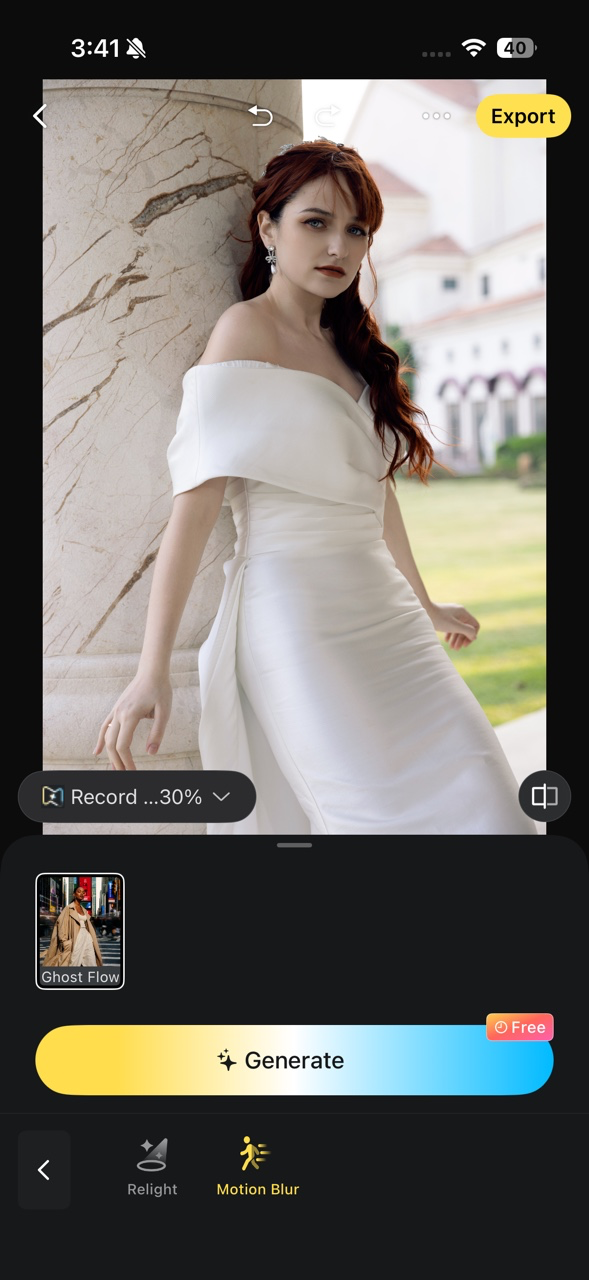
- Open a photo in the editing page.
- Go to AI Lab > Motion Blur.
- Select the motion blur effect.
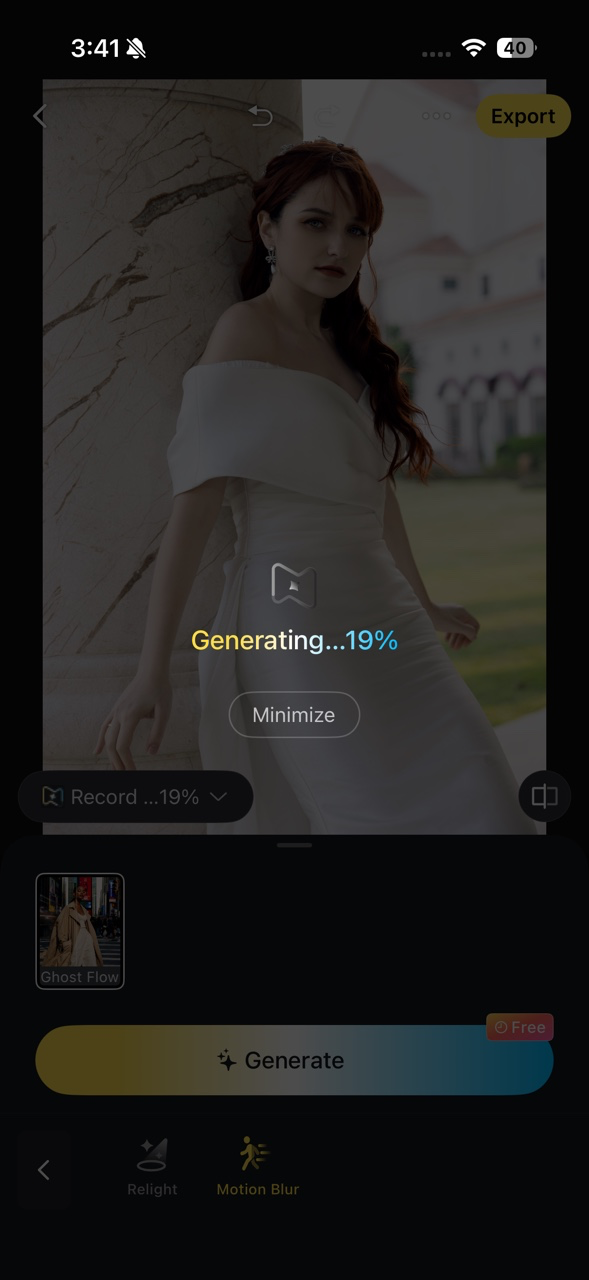
- Tap Generate and wait for the AI to process.
- Review using compare mode, then continue editing or export.
Was this article helpful?
YesNo