Gallery download settings control whether visitors can download photos and how they receive selected files from a shared gallery.
Allow Download
Use Allow Download to control whether visitors can download photos from the gallery.
Allow Download can be turned on or off independently from watermark or photo protection status. This gives photographers more flexibility when deciding whether a gallery is for preview, selection, paid delivery, or open download.
Multi-Select Download
When downloads are allowed, visitors can select multiple photos and download them as a ZIP package. Multi-select download works across Full Gallery, FaceKey Gallery, and Personal Gallery.
Mobile Selection
On mobile galleries, visitors can long-press and drag to select multiple photos.
Paid and Free Photos
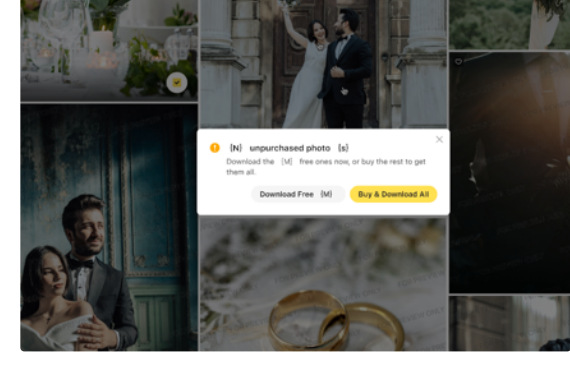
Mixed selections of free and paid photos are supported. For paid galleries, visitors may need to complete checkout or unlock access before downloading final files.
Retry Failed Items
If some items fail during download preparation, visitors can retry the failed items without restarting the full selection.